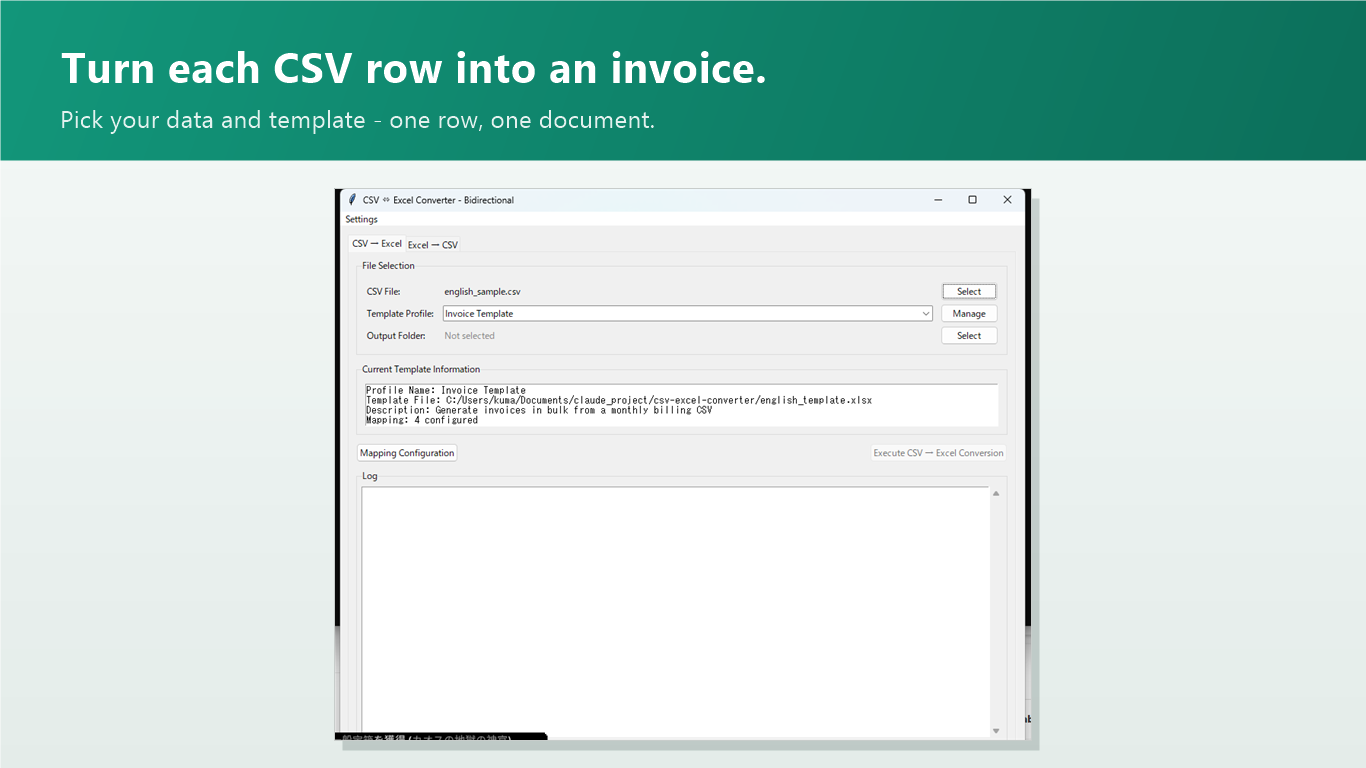
Your billing data is already in a spreadsheet. Batch Invoice Maker merges each row into your own invoice template and writes one ready-to-send file per customer — a hundred invoices in the time it takes to make one by hand.

If you can fill a spreadsheet, you can batch-generate documents. No formulas, no macros, no code.
Export it from your accounting tool, your web shop, or just type it — one row per customer or job.
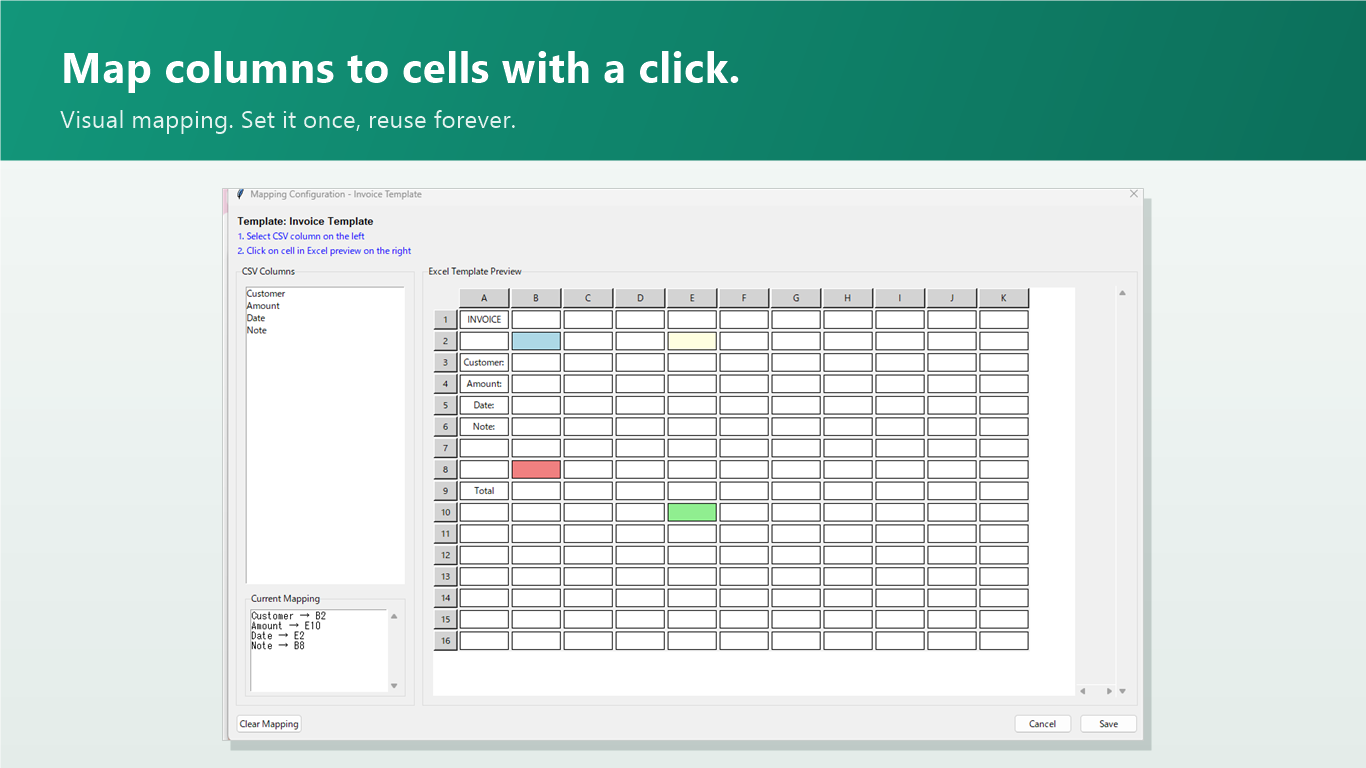
Point each CSV column at a cell in your own .xlsx template: customer name → B3, amount → E10. Saved as a reusable profile.
One click writes one finished file per row — invoices, quotes, delivery notes, certificates, anything template-shaped.
Set up the column-to-cell mapping once, save it as a profile, and reuse it every month. Multiple templates? Keep a profile for each.

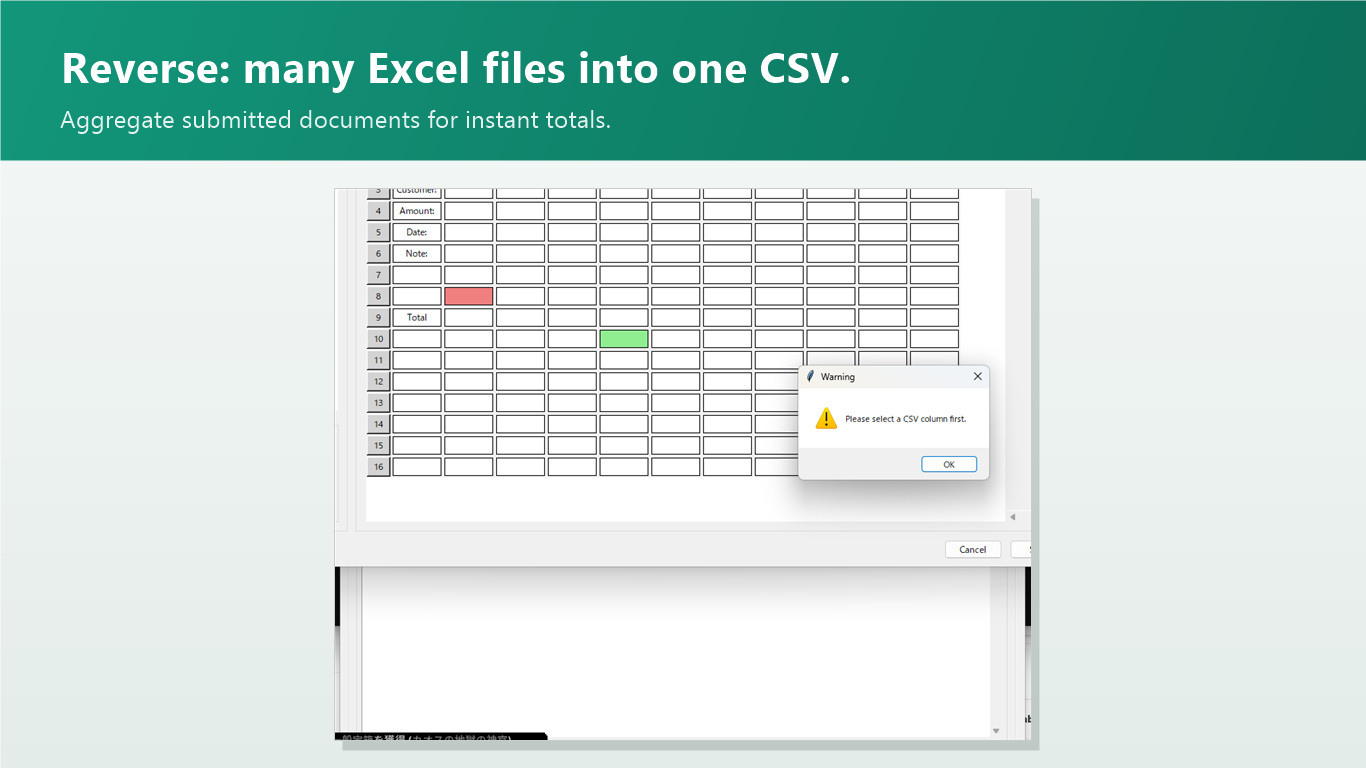
Collect a folder of filled-in spreadsheets — order forms, timesheets, survey sheets — and pull them back into a single CSV for analysis.

No. The app reads and writes .xlsx files directly — no Office installation or macros required.
No. Everything runs locally on your PC. Customer data in your CSVs never leaves the machine — there is no server and no account.
Yes — that's the whole point. Use the .xlsx template you already send to customers; the app only fills in the cells you map.
UTF-8 and Shift-JIS encodings are detected automatically, and the app UI ships in English and Japanese.
No. It's a one-time purchase on the Microsoft Store, with all future updates included.