imoninja tools

Every delivery size, in one drop.

Clients want the print TIFF at 350 dpi, the web PNG at 1600 px and a watermarked JPEG under 2 MB — from the same PSD, every time. Artwork Handover exports all of them at once, right in your browser. Nothing is uploaded and your originals are never touched.

  • No uploads
  • No account
  • Works offline
  • Windows · Mac · iPad
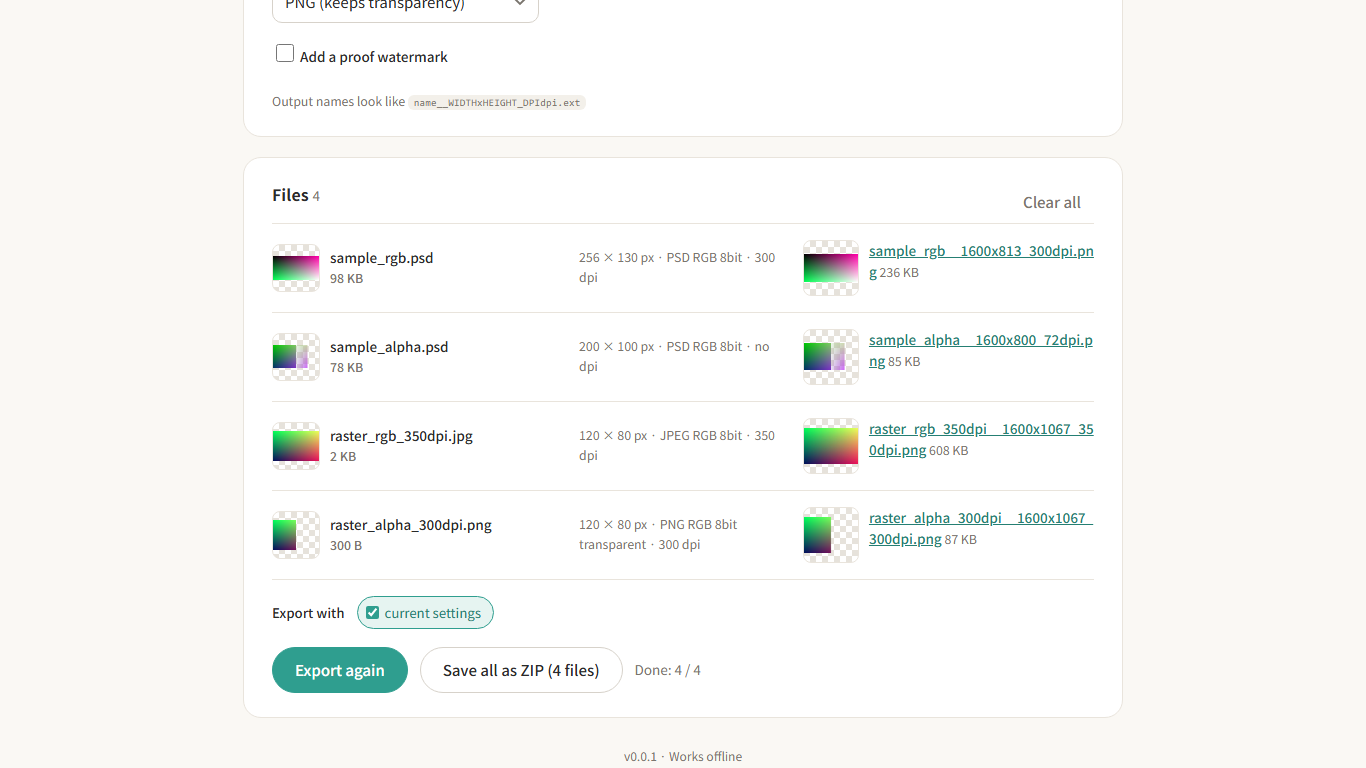
Artwork Handover after a batch export: four source files on the left, their exported PNGs with sizes and DPI on the right

Built for the last step of every commission

Drawing is the fun part. Resizing the same picture six ways, checking DPI and zipping it up is not. This tool does only that part, and does it on your machine.

🔒

Your art stays with you

Files are read and converted inside the browser. There is no server to upload to, no queue, no "we delete it after 24 hours".

📦

Reads real PSDs

PSD and PSB straight from Photoshop, CLIP STUDIO PAINT or Procreate, plus PNG, JPEG and WebP. Drop a whole folder at once.

🧾

Originals are never modified

Every export is a new file, named with its size and DPI, and a manifest lists exactly what was produced.

What it does

Sizes, DPI and formats the way printers and clients actually ask for them.

Size it the way the brief says

Long edge, width, height, fit-in-box, exact pixels, or physical millimetres with DPI and bleed. The pixel math is done for you.

  • A4 at 350 dpi with 3 mm bleed, in one field
  • DPI written into the file, not just resized
  • Output formats: PNG, JPEG, WebP, TIFF, flattened PSD
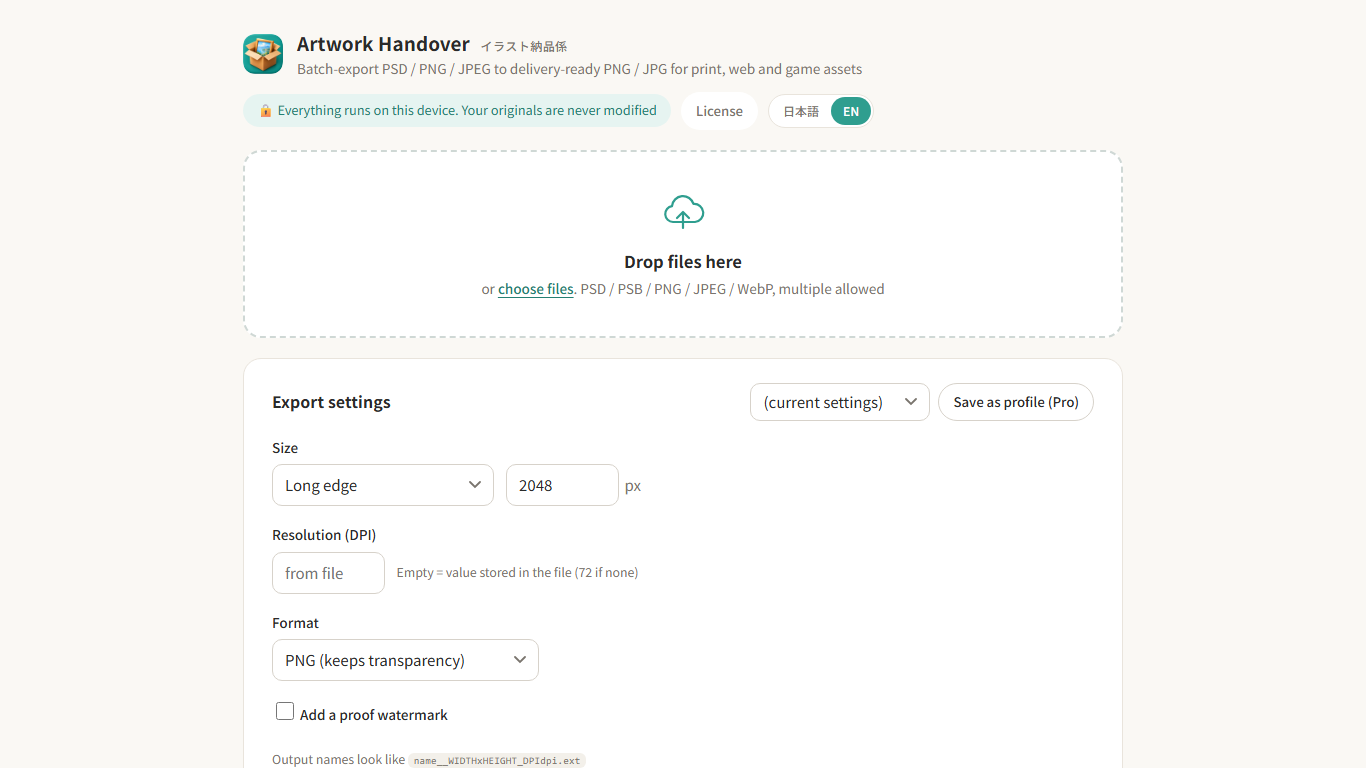
The settings panel: size mode, DPI, format and watermark options

Check before you send

Every output opens in a full-size preview. JPEG quality adjusts itself to stay under the size limit you set, and a proof watermark can be added for client review rounds.

  • Preview each export next to the original
  • "Under 2 MB" JPEGs without trial and error
  • One ZIP with everything, plus a manifest of the settings used
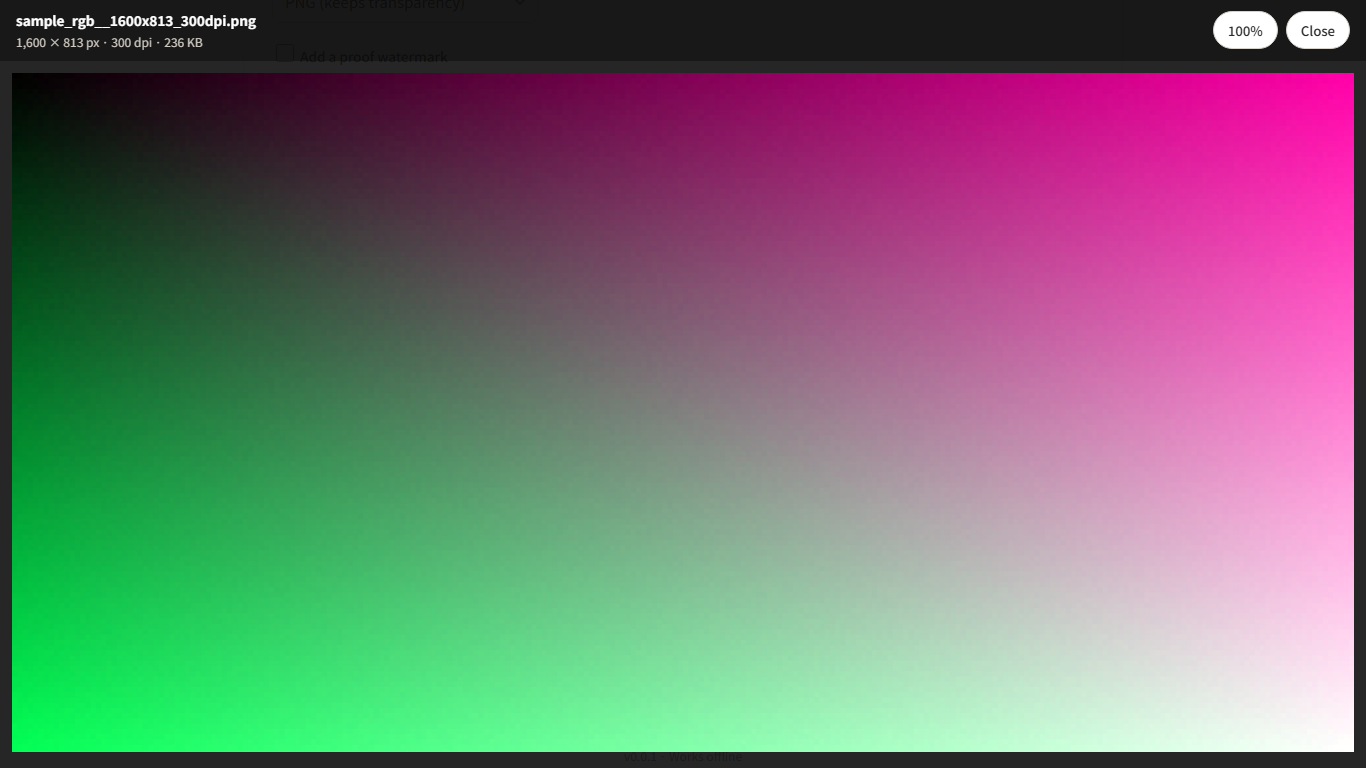
Full-size preview of an exported file opened from the results list

Free to export. Pro for the repeat work.

All export features are free with no file limits. Pro is a one-time license key for the parts that save time on every commission.

Free

$0
  • PSD / PSB / PNG / JPEG / WebP import, unlimited files
  • All size modes, DPI, bleed
  • PNG / JPEG / WebP / TIFF / PSD export
  • Size-limited JPEG, proof watermark
  • Previews, ZIP download
Open the app

Pro

¥500 one-time · about $3.50
  • Delivery profiles: save named settings and export several at once
  • CMYK TIFF / PSD with your printer's ICC profile
  • Soft proof and out-of-gamut highlight
  • All future Pro features included
  • Offline license key, any number of your own devices
Get a Pro key on BOOTH

FAQ

Are my files uploaded anywhere?

No. Decoding, resizing and encoding all happen in your browser. Once the page has loaded it works with the network unplugged, and the privacy policy lists every request the app can make.

Which PSD files work?

Any PSD or PSB saved with "Maximize Compatibility" on, which is the default in Photoshop and how CLIP STUDIO PAINT and Procreate export. Files saved without the embedded composite are listed as not supported instead of stopping the batch.

Is the Microsoft Store version different?

It is the same app installed as a desktop window, so it shows up in Start and the taskbar. On Mac and iPad, open the web app in Safari and use "Add to Home Screen" or "Add to Dock".

How does the Pro key work?

Buy it once on BOOTH, paste it into the app under "License", done. Verification is offline and the key is stored only on your device. Use it on any device that is yours.

Does it speak English?

Yes. The interface is in Japanese and English and switches with one tap. The app was built for Japanese illustrators first, so print presets follow Japanese printer conventions such as 350 dpi and 3 mm bleed.

Deliver in one drop.

Free, on your device, no account. Try it with the sample PSDs included in the app.